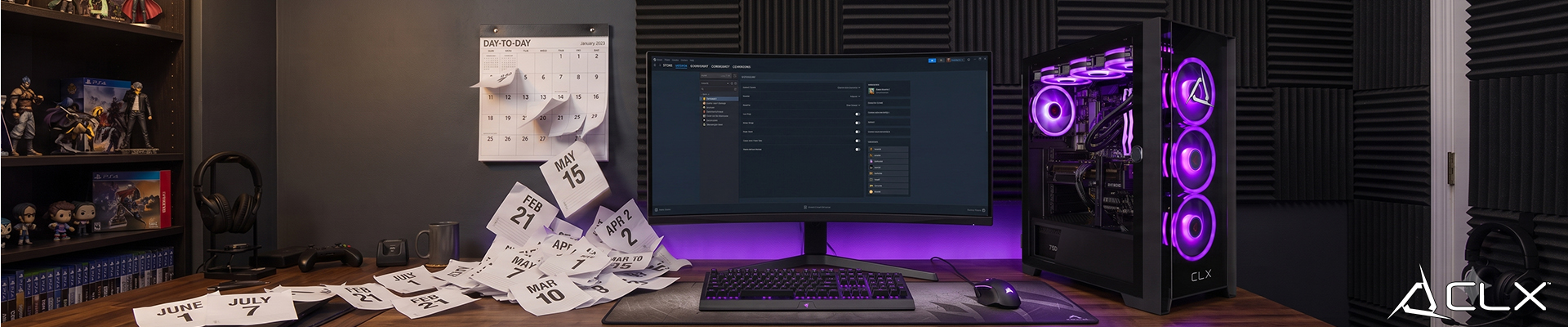
A well-built gaming PC can last roughly up to 5 to 7 years before sizeable performance trade-offs show up. The GPU degrades first in practical terms. Proper cooling, clean components, and targeted part swaps can push that window past a decade without a full rebuild.
Most PCs don't die. They just fall behind. There's a difference, and knowing it saves you money as not all parts age at the same rate. Here's what to expect from each one:
GPU: The graphics card is where you'll feel aging first. A card like the RTX 3080 Ti could handle 1440p at high settings in 2022. By 2026, newer titles are already pushing it harder, and by 2027 to 2028, you'll be dropping settings regularly to hold your target framerate.
CPUs can hold up longer than many people expect. A Ryzen 5 5600X from 2020 still runs modern games decently well. Platform obsolescence hits before the chip physically wears out. When your socket is no longer supported (AM4 is largely at that point), a CPU upgrade forces a motherboard swap too.
RAM and storage: Barring a physical failure, RAM and SSDs should outlast everything else. The bigger issue is capacity. 16GB of DDR4 was fine in 2020. As of 2026, some titles are expecting 32GB. The hardware works. It just gets outpaced.
PSU: Quality matters here more than anywhere else. A solid unit from a reputable product line will run reliably for many years. A budget unit running hot under load may fail sooner, and when it goes, it can take other components with it.
What Actually Degrades Performance Over Time?
Four things drive aging faster than normal:
- Heat. Consistent thermal throttling degrades performance and, over years, hardware longevity. If your GPU or CPU is regularly hitting 90 degrees Celsius under load, that's the first thing to fix.
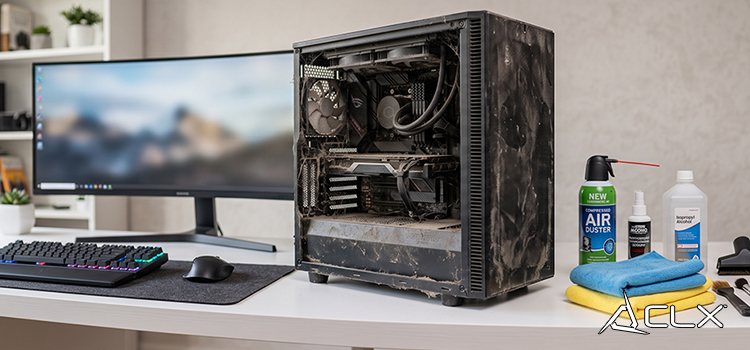
- Dust buildup. Dust insulates components and restricts airflow. A PC running in a carpeted room with no regular cleaning will run hotter and louder within a year.
- Weak initial components. A build centered on a mid-range PSU and cheap case cooling ages faster than one built with quality parts from the start. The GPU might be a current-gen RTX 5070, but if it's thermally constrained from day one, you're burning lifespan.
- Driver and software bloat. Outdated drivers, background processes, and OS clutter don't degrade hardware. They do degrade performance. Keep drivers current, and don't ignore this step.
What Are the Signs Your Gaming PC Needs an Upgrade?
The clearest signals:
- You're dropping from high to medium settings on titles that launched months ago
- Frame rates are inconsistent or stuttering (check thermals and drivers first before blaming the GPU)
- Your platform no longer supports current-gen CPUs
Five Ways to Get More Years Out of Your Build
- Clean your system every three to four months with compressed air. Focus on GPU heatsinks, case filters, and CPU cooler fins.
- Check temperatures under load using programs like HWiNFO. Keep GPU core temps below 83 degrees Celsius and CPU under 90 degrees Celsius.
- Update GPU drivers through the manufacturer's app, not Windows Update.
- Replace the PSU before it fails, not after. If it's more than seven years old and you're adding a new GPU, swap it.
- Upgrade one component at a time. Adding 32GB of RAM or moving to a faster GPU is a fraction of the cost of a full rebuild and often solves the actual bottleneck.
The Bottom Line on Gaming PC Lifespan
Five to seven years is realistic if holding for as long as possible. With smart upgrades and proper maintenance, you might push that to ten. When performance drops check thermals before buying anything. And build with quality parts the first time.
If you're thinking about a new build from CLX, browse the lineup of CLX custom Desktop options to see what's available with today's components.