Upgrade your GPU when it's maxed out during your actual workload and you're still missing your target frame rate or render time. If your card isn't hitting 100% usage with the frame cap off, a new GPU won't fix what's slowing you down.
That's the test. Everything else is noise.
How do you know your GPU is actually the bottleneck?
Turn off any frame rate cap first. A capped frame rate makes utilization numbers meaningless, so you can't read anything until that's off. With the cap gone, watch GPU usage during the game or render job you care about. If it's sitting at 100% and you're still short of your target, the GPU is the limit. If usage is low and your CPU is pegged instead, a new graphics card changes nothing. You'd be buying a part to fix a problem it doesn't own.
This matters just as much outside gaming. Video editors exporting 4K timelines, 3D artist’s rendering scenes, and anyone running local machine learning jobs should watch the same metric. A GPU stuck at 60% while an export crawls points at storage, RAM, or CPU threading, not the graphics card.
What signs mean it's time to upgrade?
A few patterns show up again and again in builds that genuinely need a new GPU:
Modern games won't hit your settings. If you're dropping resolution or turning off ray tracing on games built in the last year or two just to stay playable, that's a real gap, not a preference.
Professional software drags. Timelines stutter on scrub, renders take hours longer than they should, or training a model takes an overnight job that used to take an afternoon.
You’re two or more GPU generations behind. A card like an RTX 3070 sitting next to current-generation options like an RTX 5070 or RX 9070 is giving up real performance per watt and per dollar, especially in newer titles built around features older architectures don’t support well.
The card is 3 to 5 years old and your workload has changed. Hardware doesn't expire on a schedule, but workloads do grow. A GPU bought for 1080p gaming won't keep up if you've since moved to a 1440p or 4K monitor.
Can your system actually support a new GPU?
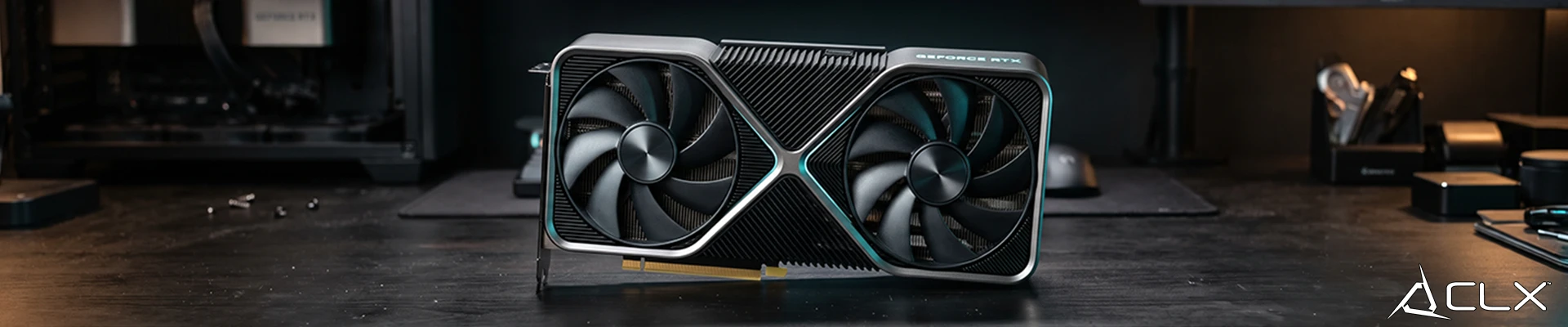
Before you buy anything, check two things that get skipped constantly. First, your power supply's rated wattage against the new card's requirements, not its TDP, which only describes thermal design power and not real draw under load. Second, physical clearance in your case. Flagship cards in the current generation run long and thick, and a case that fit your last GPU might not fit the next one. Measure before you order.
Also confirm your platform. Current flagship AMD and Intel platforms, AM5 and LGA1851, are DDR5 only, so if you’re still running a DDR4 system, a GPU upgrade might turn into a motherboard and RAM project you weren’t planning for.
Is the upgrade actually worth the money?
Run the math before you run the credit card. Compare the price difference between your options against the real performance gain in your actual games or software, not marketing slides. A card that costs 40% more for a 15% gain is a bad trade unless you have a specific reason to need that last bit of headroom. Think about where your workload is heading over the next 3 to 5 years, not just today. If you're planning to pick up heavier editing or AI work soon, buying ahead of that need can make sense. If your use case is stable, there's less reason to chase the newest release the week it ships.
We see this at the bench often: the GPU isn't always the part people think it is. A customer convinced their card was outdated often turns out to be CPU bound in the one game they actually play, and the fix was never the graphics card at all.
If you're not sure what your system can actually support, start with our CLX Configurator and build around a part list that matches your real workload instead of guessing.
FAQ
Does a GPU upgrade help with stutter?
Is VRAM usage the same as VRAM allocation?
Will DLSS or FSR let me skip a GPU upgrade?