A mid-range gaming PC pulls somewhere between 400 and 600 watts under load. A high-end rig with a flagship-tier graphics card can push past 700, sometimes closer to 1,000, during the heaviest sessions. That's a real number on your electric bill, not just a spec sheet curiosity.
If you're the kind of builder who's already priced out a parts list and started comparing it to a prebuilt, power draw is one more line item worth knowing before you commit. It affects your power supply choice, your electric bill, and in some cases your home's circuit capacity.
What Uses the Most Power in a Gaming PC?
The graphics card is almost always the single biggest power draw in a gaming PC. It's doing the heaviest lifting during gameplay, and its consumption scales directly with the workload you throw at it. The processor is the second-biggest factor, with higher core counts and clock speeds pulling more watts under sustained load.
Everything else, like storage drives, case fans, and RGB lighting, adds up to a small fraction of total draw. A few LED strips aren't going to move your bill. The GPU and CPU are where the real power goes.
Does Gaming Use More Power Than Browsing or Idle?
Yes, and the gap is bigger than most people expect. A PC sitting idle or handling light browsing might draw under 100 watts. Drop into a demanding game and that number climbs fast, with brief spikes during intensive scenes or loading moments pushing higher than your average sustained draw.
That matters for how you read a spec sheet. A PC's rated or maximum power draw is not what it pulls most of the time. Real-world gaming sessions typically run below peak specifications, because peak numbers reflect worst-case scenarios, not your Tuesday night session.
How Can You Reduce Your Gaming PC's Power Consumption?
A few habits make a real difference without touching performance:
- Enable power-saving modes in BIOS settings. Most motherboards let you set power limits or efficiency profiles that trim consumption during lighter workloads.
- Choose energy-efficient components when you upgrade. Power efficiency has improved generation over generation, so a newer card or chip often does more work per watt than what it replaces.
- Keep an eye on cooling. A system running hot often works harder to maintain performance, which can mean higher draw. Good airflow keeps components working efficiently instead of straining.
- Unplug peripherals you're not using. Monitors, lights, and accessories left powered on add up over time, even if each one is small on its own.
None of these require a new build. They're adjustments anyone can make this weekend.
A Builder's Perspective
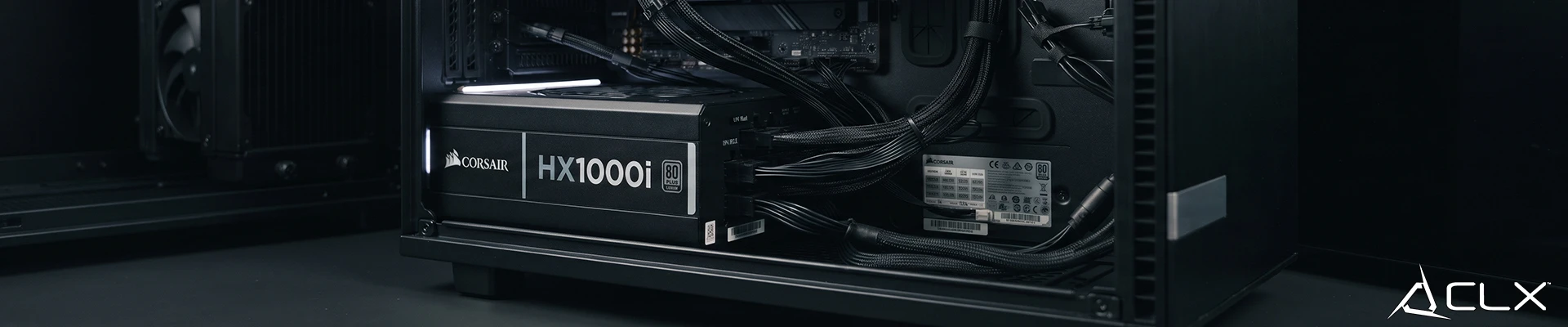
In our shop, the power question comes up most often from customers upgrading an older build with a newer graphics card. They're focused on performance gains and forget the power supply might not be rated for the new draw. It's a quick check, but it's the kind of detail that gets skipped when you're shopping on specs alone instead of a full build plan.
The Bottom Line
Gaming PCs use more power than a typical home computer, and that gap grows with the hardware you choose. Knowing your rough wattage range helps you plan for your power supply, your electric bill, and your cooling setup, without needing to become an electrician first.
If you're weighing a prebuilt against a DIY parts list, power draw is one more factor worth checking before you buy. See current builds on our website.
FAQ
Does a bigger power supply mean higher electricity bills?
Is 1000 watts normal for a gaming PC?
Can I reduce power use without losing performance?