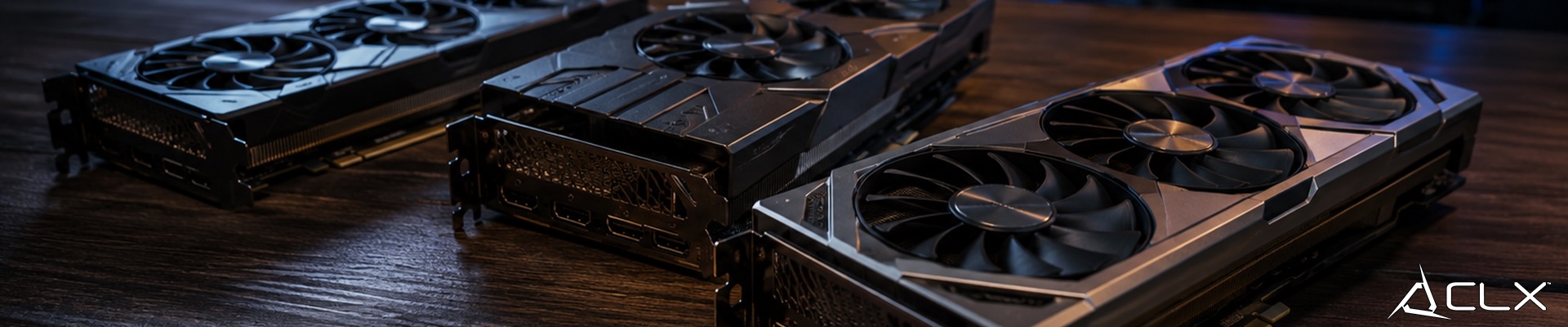
Your CPU is fast, but it's built to handle a wide range of tasks sequentially. Graphics work doesn't fit that model. Rendering a single frame in a game involves millions of calculations happening at the same time, and your CPU just isn't designed for that kind of parallel workload. That's where the graphics card comes in.
It's a dedicated processor wired specifically for visual data. It frees your CPU from having to deal with rendering once a capable card is installed.
What a Graphics Card Actually Does
Rendering images and feeding your display
Every frame you see on your monitor gets built by your graphics card. It takes geometry, lighting data, and texture information from the game or application, processes it, and sends the final image to your display. The faster it can do that, the higher your frame rate.
Processing visual data with dedicated hardware
The card has its own processor and its own memory. That memory (VRAM) holds textures, frame buffers, and other visual assets so they don't have to travel across your system bus constantly. More VRAM matters at higher resolutions and with more complex scenes, where texture data gets large fast.
Handling parallel math at scale
Modern rendering involves enormous numbers of small calculations running simultaneously. Graphics cards are built with hundreds or thousands of small processing cores designed exactly for this. The architecture is fundamentally different from a CPU, which has fewer, more powerful cores optimized for sequential tasks.
Where Graphics Cards Actually Get Used
Gaming is the obvious one, but it's not the whole picture.
Real-time 3D and gaming: Frame rate in games is almost entirely determined by GPU performance once you're past a certain CPU threshold. Resolution and graphical settings hit the GPU directly.
Video editing and content creation: Encoding, color grading, and effects rendering all offload to the GPU in most modern editing software. A capable card cuts export times significantly.
Scientific computing and data visualization: Researchers use GPUs to process large datasets because the parallel architecture handles those workloads far faster than CPUs can.
Machine learning: Training neural networks involves massive matrix math, which maps directly onto GPU architecture. The same hardware that renders your games is being used to run AI models.
How a Graphics Card Differs from a CPU
A CPU is a generalist. It can handle OS tasks, game logic, physics, AI behavior, and audio, all in rapid succession. It's optimized for single-threaded speed and low-latency decision-making.
A GPU is a specialist. It does one category of work, but it does it with far more parallelism than a CPU ever could. That's why swapping out your GPU won't fix slow browser performance, and why upgrading your CPU won't fix low frame rates in a GPU-bound game.
The two work together. Your CPU feeds the GPU draw calls and game logic. The GPU converts that into rendered frames. If either side can't keep up, performance suffers.
Picking the Right Card for Your Build
Use case drives this decision more than anything else. A card suited for 1080p gaming at high frame rates won't be the same pick as one built for 4K content creation or ML workloads.
After use case, VRAM is the next thing to nail down. Resolution and asset complexity determine how much you actually need. Buying less VRAM than your workload requires creates a real bottleneck at the card level.
Power draw and cooling matter too. Higher-end cards pull more watts and generate more heat. Make sure your power supply has the headroom and your case has the airflow before the card arrives.
Build What You Actually Need
If you're working through what the right configuration looks like for your workload, the CLX custom PC builder lets you match components to your actual use case rather than guessing.