We build a lot of PCs. Most of the calls we get aren't about bad parts. They're about good parts set up wrong. A $2,000 build with a Ryzen 9 9950X3D and an RTX 5080 can still run hot, stutter, or underperform if the basics get skipped during assembly.
Cable Management Gone Wrong
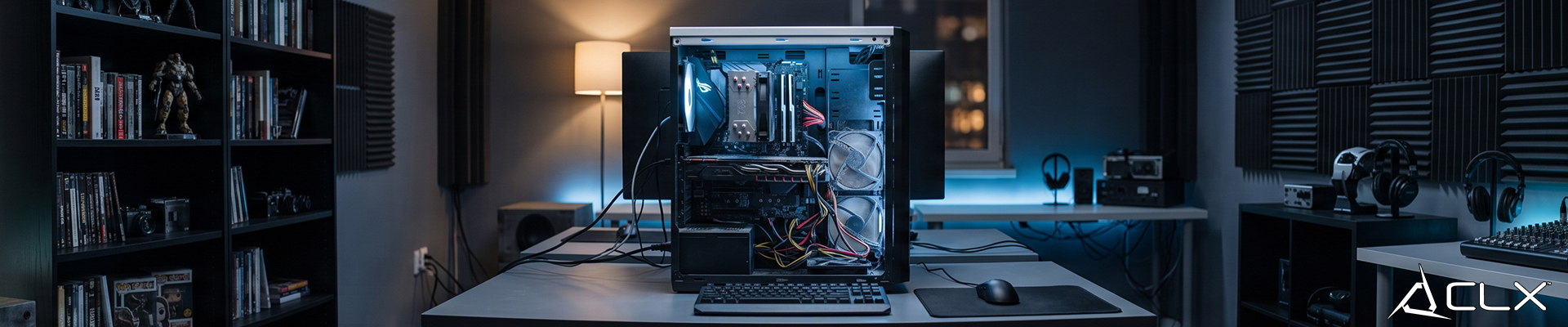
Tangled cables aren't just ugly. They block airflow paths and trap hot air right where your components need cool air moving through. A case with great intake and exhaust fans still overheats if a mess of PSU cables sits directly in front of the GPU or blocks the front intake fans.
Bad cable routing also makes every future upgrade harder. Swapping a GPU or adding storage shouldn't mean untangling a rat's nest first.
Fix it: Route cables behind the motherboard tray, use zip ties or velcro straps to bundle unused PSU cables, and plan your routing before you start screwing things in, not after.
Inadequate Cooling Setup
Two things cause most of the thermal complaints we see. First, not enough case fans, or fans configured with no clear intake/exhaust balance. Second, a CPU cooler that wasn't mounted correctly, meaning uneven pressure on the socket and poor contact with the thermal paste.
Either one leads to thermal throttling, where the CPU or GPU pulls back clock speed to avoid overheating. That shows up as dropped frame rates in games or slower render times in workloads, even though the hardware itself is fine.
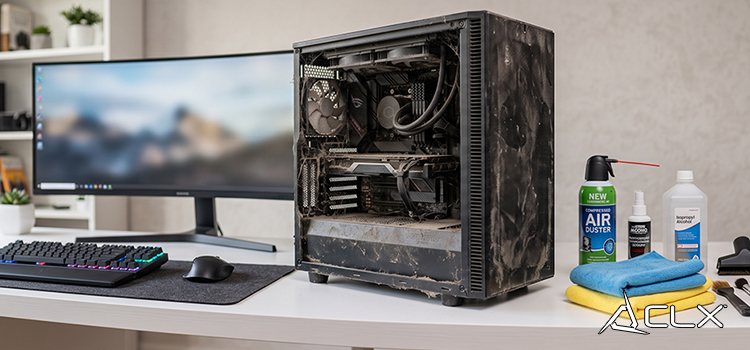
Fix it: Double check cooler mounting torque and paste application. Clean dust filters every month or two.
Overlooking BIOS and Driver Updates
Firmware and drivers aren't glamorous, but skipping them costs real performance. AMD and Intel both ship BIOS updates that improve memory compatibility and stability on current boards. GPU drivers from NVIDIA and AMD often include game-specific optimizations tied to new releases.
Running outdated BIOS on a Ryzen 9000 or Core Ultra 200 platform can mean unstable memory speeds or missed compatibility fixes, not just missed performance gains.
Fix it: Check your motherboard manufacturer's site and your GPU vendor's driver page monthly.
Ignoring Power Supply Specifications
An undersized PSU won't always cause an instant crash. Sometimes it just delivers unstable power under load, which shows up as random reboots or shutdowns during demanding gaming sessions. Constantly running a PSU near its max capacity also shortens its lifespan.
Fix it: Calculate your system's total wattage draw and pick a PSU with 20 to 30% headroom above that number. An 80+ rating tells you about efficiency, not how much power the unit can actually deliver, so don't confuse the two.
RAM and Storage Mistakes
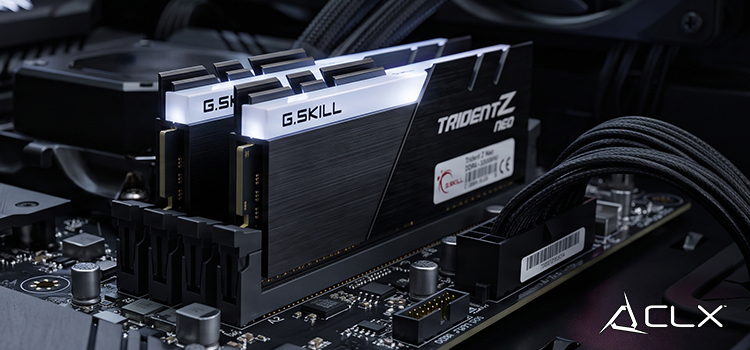
Mixing RAM modules from different kits, or running mismatched capacities, can prevent dual-channel operation entirely. That's a real bandwidth loss, not a minor one, especially on platforms like AM5 and LGA1851 that depend on DDR5 dual-channel setups for full performance.
On the storage side, a drive nearing the end of its health or running close to full capacity slows down the entire system, not just file transfers. Windows itself relies on fast scratch space for a lot of background operations.
Fix it: Use identical RAM sticks (same kit, same timings) and check drive health periodically with tools like CrystalDiskInfo.
Most of This Is Fixable Without New Parts
None of these mistakes require a hardware upgrade to solve. A weekend spent re-routing cables, checking fan orientation, updating firmware, and confirming your RAM is actually running in dual-channel can noticeably change how a system performs and how long it lasts.
If you'd rather skip the troubleshooting entirely, every CLX build goes through cable management, thermal validation, and BIOS updates before it ships. Check out our gaming PC configurator to see what a properly built system looks like from the start.