Leaving a PC on 24/7 isn't automatically bad for it. But running it overnight every night without thinking about it is a habit worth examining, especially on a high-wattage gaming rig.
Here's what actually matters.
What Happens to Your Hardware While You Sleep
Modern desktop CPUs and GPUs are rated for tens of thousands of hours of operation. A Ryzen 9 9950X3D running at full load all night isn't going to fail by morning. The concern isn't catastrophic failure. It's cumulative heat exposure on components that aren't doing anything useful.
Idle doesn't mean cool. A gaming PC sitting at a Windows desktop still pulls 30 to 100 watts depending on the build. A system with a high-end discrete GPU idles higher than that. Fans spin, VRMs stay warm, and capacitors age. None of this kills hardware fast, but it adds hours to a lifespan that would otherwise see light use.
The Actual Reasons People Leave PCs On
Two legitimate ones: Windows Update and scheduled backups.
Windows 11 can be configured to run updates during off-peak hours, which means no mid-session restarts. If you're still on Windows 10, note that Microsoft ended free security updates for it in October 2025, you can stay covered through October 2026 via the Extended Security Updates program, but it's worth planning your move to 11.
Backup software like Backblaze or Acronis often runs on a nightly schedule. If those tasks need a window, leaving the machine on makes sense.
Remote access is the third reason. If you use something like Parsec or TeamViewer to reach your home machine from another location, it needs to be on.
Everything else, habit.
Sleep Mode Is the Practical Answer for Most Builds
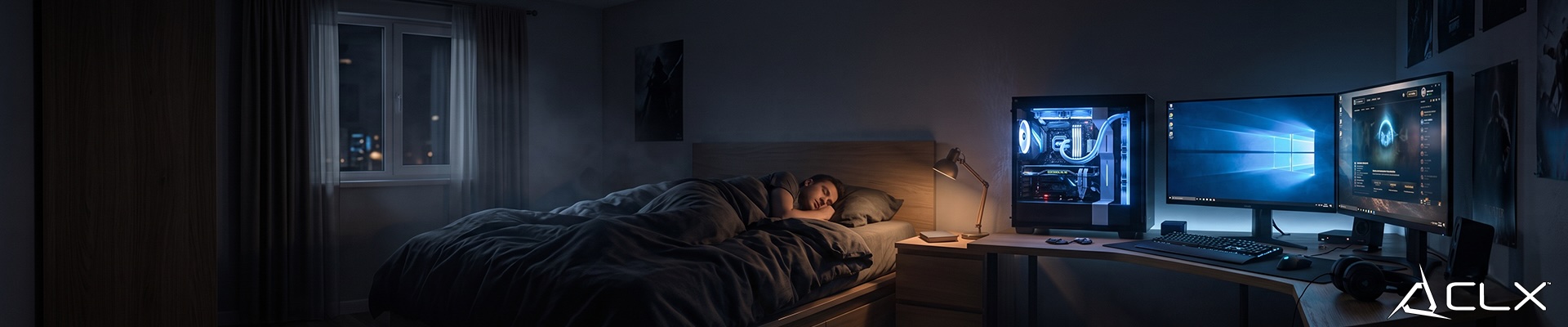
Sleep (S3 on most systems) drops power draw to 1 to 5 watts, keeps RAM contents intact, and wakes in a few seconds. For a gaming PC that isn't running scheduled tasks, it handles the overnight situation cleanly. You're not cycling the machine fully off, so you don't wait through a full POST and boot. You're also not burning 60+ watts for eight hours.
Hibernate (S4) takes longer to resume but drops power to near zero and writes RAM to the SSD. Useful for longer away periods. On an NVMe drive, resume is still fast.
Security Is a Real Factor, Not a Theoretical One
A machine that's on is a machine that's reachable. If your PC has remote desktop enabled, RDP exposed to the internet without two-factor authentication is an active attack surface. This isn't paranoia. Credential-stuffing bots scan for open RDP ports constantly.
If you need remote access, use a VPN or a service that handles auth properly. If you don't need remote access, there's no reason to leave the machine online and reachable overnight.
Enable automatic updates, but don't assume a running machine is a maintained one. Confirm your antivirus definitions update on a schedule and that Windows Update isn't set to defer indefinitely.
So, Should You Leave It On?
Leave it on if you have a real reason: active overnight tasks, scheduled backups, or a remote access need you've actually secured properly. Otherwise, configure sleep mode and let the machine idle at 2 watts instead of 80.
The hardware won't thank you for the rest, but it won't wear out faster either. The power bill will notice.
If you're building a rig that's meant to handle workloads beyond gaming, CLX can configure workstation builds spec'd for that kind of duty cycle. Check current PC options!