People talk about future-proofing like it means buying the most expensive hardware on the shelf. It does not. Hardware ages. AN RTX 5090 will eventually become mid-range. Real future-proofing is building a foundation that lets you swap out aging parts in three years without having to tear down the entire system. You want to buy parts that support the next generation of components. Let us look at what actually matters when you configure a custom PC.
Which core PC components matter most for future upgrades?
Your processor, graphics card, and memory determine how your games run today. They also dictate what you can upgrade tomorrow.
Which CPU platform should you choose for longevity?
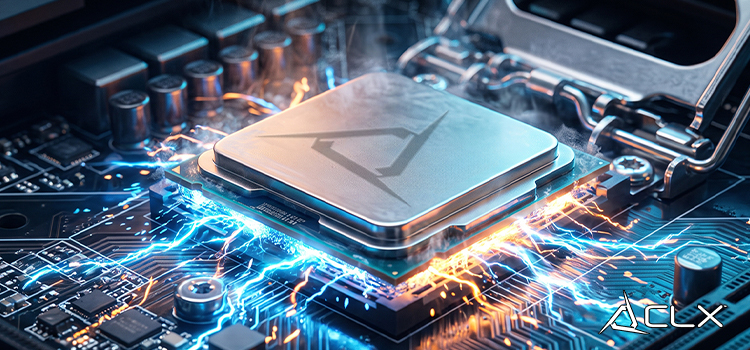
If you build a PC today, you need a modern platform. Current-generation processors like the AMD Ryzen 9000 series on the AM5 socket or the Intel Core Ultra 200 on LGA1851 are DDR5 only. They cannot pair with DDR4 memory. AMD has promised to support the AM5 socket for years. If you buy a Ryzen 9 9950X3D2 today, you can likely drop a future CPU into that same motherboard with a simple BIOS update for the next few years, the same can likely be said for Intel.
How do you pick a GPU that will last?
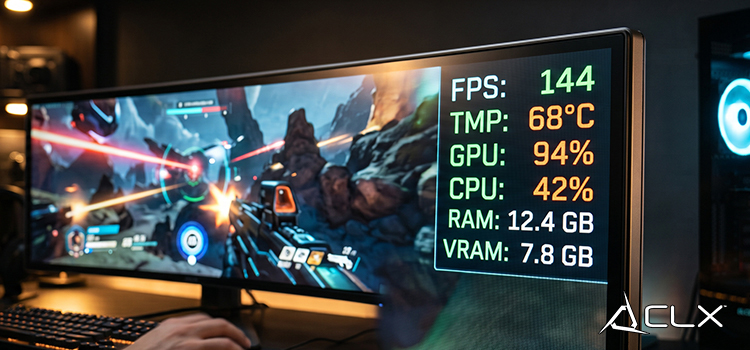
The graphics card is the single most important component for gaming performance. When looking at longevity, VRAM capacity is critical. Modern games use massive high-resolution textures. Note that VRAM allocated by a game is not the same as VRAM currently in use. Still, 12GB is the realistic floor for 1440p gaming today.
Keep in mind that upscaling technologies like DLSS, FSR, and XeSS trade image quality for framerate. They do not give you free performance. A native benchmark is the only true measure of raw hardware capability.
How much RAM do you need for future PC games?
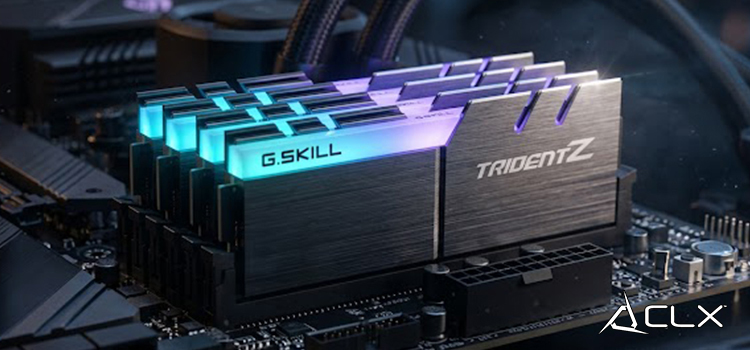
For pure gaming, 16GB of DDR5-6000 memory is a good spot to be in. Buying 64GB or 128GB of RAM does not make your games run faster. It just sits empty. Focus on speed and latency instead of massive capacity.
How do you choose storage and power for a lasting build?
This is where most first-time builders make mistakes. They focus entirely on framerates and ignore the infrastructure that powers the machine.
Does PCIe 5.0 NVMe storage improve gaming performance?
No. An NVMe Gen 4 drive is perfectly fine for modern gaming. The speed difference between Gen 4 and Gen 5 has a negligible impact on game runtime and loading screens. Save your money and buy a high-capacity Gen 4 SSD instead. You can keep a standard hard drive (HDD) for bulk storage of movies or backups, but modern games should be installed on an SSD for ideal load times.
What role do motherboards and cooling play in PC longevity?
Your motherboard connects everything. Your cooling keeps it alive. Both need to handle the hardware of tomorrow.
What motherboard features actually matter?
You need a board that handles future connectivity. Look for Wi-Fi 6E or Wi-Fi 7, multiple M.2 slots for future storage expansion, and plenty of rear USB ports. A quality VRM (Voltage Regulator Module) ensures that if you upgrade to a high-core-count CPU later, the motherboard can deliver stable power.
Should you use air cooling or liquid cooling?
A high-quality 360mm AIO liquid cooler handles thermal spikes from modern CPUs very well. A massive dual-tower air cooler is incredibly reliable because it only has moving fans. Both work. The real key is case airflow. You need a case with a mesh front panel to feed cold air to your components. Poor thermals cause stuttering. Stuttering is a completely different symptom from a low average framerate.
How do you plan for upgrades?
Eventually, your PC will show its age. You need to know what to replace first.
Operating system updates and the latest graphics drivers solve many performance issues. Keep your software updated before you spend money on hardware.
Building a custom PC that lasts requires smart allocation of your budget. Put your money into a robust power supply, a modern motherboard platform, and a solid case.
If you are ready to configure a system with an upgrade path built right in, head over to the CLX Gaming configurator and start designing your next build.