If you've ever wondered why some PC builders talk about
squeezing extra speed out of their hardware, overclocking is what they mean.
It's one of the oldest tricks in PC building, and it's still popular with
gamers and computing enthusiasts who want more performance without buying new
parts.
This guide breaks down what overclocking actually is,
how it works, and what you need to know before trying it yourself.
What
does overclocking mean?
Overclocking is the practice of pushing a computer
component, usually the CPU, GPU, or RAM, beyond the speed specified by its
manufacturer. Every chip ships with a base clock speed, which is the pace it's
designed to run at under normal conditions. Overclocking raises that speed,
often by adjusting voltage and frequency settings in the system BIOS.
The goal is simple: more speed means more work gets
done per second. For gamers, that can translate to higher and more consistent
frame rates. For anyone running heavy workloads, like video editing or 3D
rendering, it can mean faster processing times.
How
does overclocking actually work?
Your processor is built to run at a specific clock
speed out of the box. That speed is set by the manufacturer based on what the
chip can reliably handle without excessive heat or instability.
When you overclock, you manually increase that clock
speed. A higher clock speed means the component completes more cycles, and
therefore more computing operations, every second. To support that increase,
the chip usually needs more voltage, which supplies the extra power required to
run at the higher frequency.
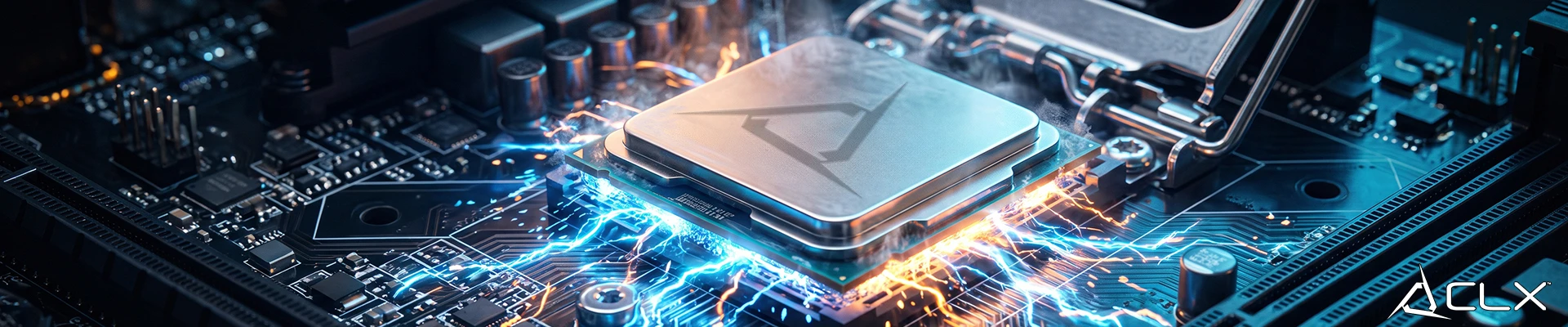
More voltage and more cycles come with a side effect:
more heat. That's the core tradeoff behind overclocking. You get speed, but you
also get added thermal load that your cooling system has to manage.
What
are the risks of overclocking?
Overclocking isn't free performance. A few real risks
come with it.
Heat damage. Running components beyond their rated
speed generates extra heat. Without proper cooling, that heat can shorten the
lifespan of your CPU, GPU, or RAM, or damage them outright.
System instability. Push too far and your system can
crash, freeze, or corrupt data mid-task. This is especially risky if you're
working on something important when it happens.
Voided warranty. Most manufacturers consider
overclocking outside normal use. Doing it can void your warranty, leaving you
without support if something goes wrong.
Cooling requirements. To overclock safely, you need cooling
that can handle the extra heat. That often means better fans, liquid cooling,
or improved airflow, not just a stock cooler.
What's
the safest way to overclock?
If you want to try overclocking, go slow and stay
cautious.
Start with small, incremental increases to your clock
speed rather than jumping straight to the maximum your hardware might handle.
Test stability after each change before pushing further.
Monitor your temperatures the entire time, both during
the overclock and after, to make sure nothing is running hotter than it should.
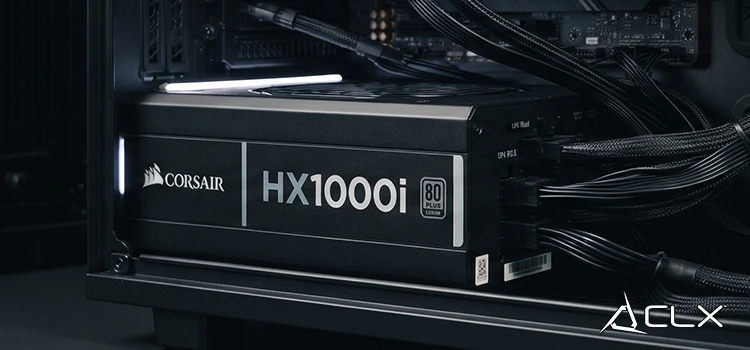
Use quality power supplies and cooling systems, since underpowered or
inadequate cooling is where most overclocking problems start.
Back up your important data before making any changes.
If your system becomes unstable, mild overclocking issues can sometimes cause
data loss, and it's better to be safe. If you notice crashes, freezes, or other
instability, revert to default settings immediately rather than trying to push
through it.
Is
overclocking worth it?
Overclocking can deliver real, noticeable performance
gains for demanding tasks like gaming, rendering, or heavy multitasking. But
the gains only come with careful adjustments, constant monitoring, and proper
cooling in place.
It's not something to jump into without research. If
you're new to PC hardware, it's worth learning the basics of your specific CPU
or GPU, understanding your cooling setup's limits, and starting conservatively
before attempting any significant changes. Check out the CLX
Foundry to learn more about how we can provide an overclocked
build!