A gaming PC gives you more control over frame rates, settings, and long-term upgrades than a console does. That flexibility is great once you know what you're buying. When you're new to it, the wall of parts and price tags can stall you out before you ever pick one.
So let's cut it down to the parts that actually matter.
Start With What You Play
Before you look at a single spec, look at your game library. A player who lives in competitive shooters wants high frame rates and fast response. Someone who leans toward big single-player worlds cares more about how those worlds look on screen. Those two goals point to different builds and different budgets.
Write down the games you play most, then check what each one asks for. That short list does more to guide your purchase than any review ever will.
The Parts That Matter Most
You don't need to memorize every component. Four of them carry most of the weight.
- Processor (CPU): The center of your PC. It handles the general workload and keeps everything else fed with instructions.
- Graphics card (GPU): The part that draws your games. It has the biggest say in your frame rates and how sharp things look.
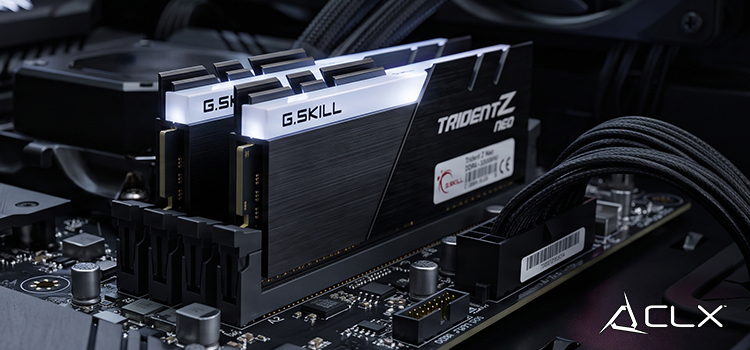
- RAM and storage: RAM lets you run more at once without slowdown. Storage holds your games and files, and faster storage cuts load times.
- Power supply and cooling: Less exciting, more important than people think. A solid power supply and good airflow keep the machine stable and help it last.
Get these right and the rest of the build tends to fall into place.
Pre-Built or Build It Yourself
You've got two paths. Build the PC yourself, or buy one that's already assembled and tested.
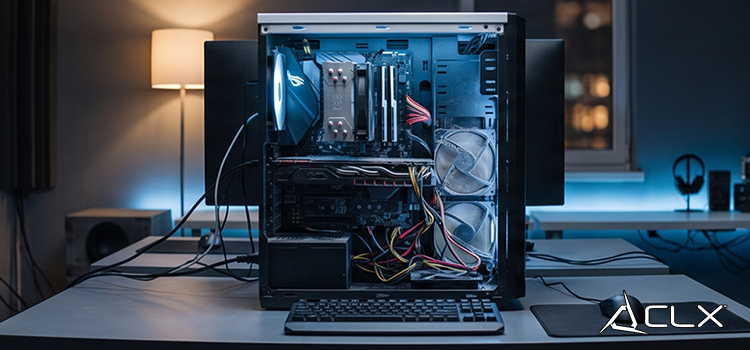
Building your own gives you full control over every part. It also asks for time, research, and a willingness to troubleshoot if something doesn't post on the first try. That's a fair trade for some people. For a first-timer, it can turn a fun weekend into a frustrating one.
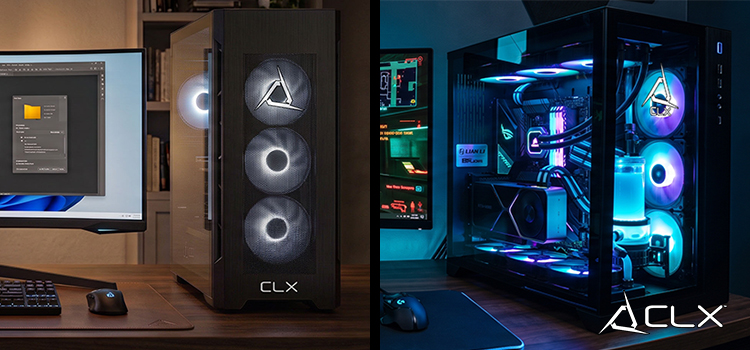
A pre-built machine skips all that. It arrives assembled, tested, and covered by a warranty, so your first day is spent playing instead of debugging. That's why we point most beginners toward a pre-built CLX gaming PC. You get a system that's been put together and checked before it ships, plus support if you need it later.
What You'll Spend
Budget is where a lot of the confusion clears up fast. Here's a rough map.
- $800 to $1,600: Entry level. Good for casual play and lighter games.
- $1,600 to $2,700: Mid range. Handles most popular titles at higher settings and stays useful for years.
- $2,700 and up: High end. Maximum performance and more headroom to stay current as games get heavier.
Pick the tier that fits both your wallet and the games on your list. There's no prize for overspending on power you won't use.
Before You Hit Buy
A few last checks save you regret later.
Read reviews and line up the specs on any system you're considering. Measure your desk, because a bigger tower needs room to breathe and pull in air. And remember that a good foundation matters more than a perfect one. You can add storage or swap parts down the road, so buy a solid base now and grow into it.
Your Gaming Journey Starts Here
A gaming PC isn't a small purchase, but it pays you back in years of play and the freedom to upgrade on your own terms. Sort out what you play, set a budget you're comfortable with, and match the two. That's the whole game.
If you'd rather skip the guesswork, browse the pre-built lineup at CLX and find a system that fits your games and your budget out of the box.