The CPU acts as the central manager for the entire game engine. A graphics card cannot draw a single frame until the processor tells it what to draw. It tracks where every player is standing, calculates the trajectory of bullets, and figures out how the NPC enemies should react.
Some PC gamers treat the processor as an afterthought. They pour most of their budget into a massive graphics card and grab whatever CPU fits the remaining budget. This approach can lead to noticeable performance issues.
If your processor is too slow, your expensive graphics card spends half its time waiting for instructions. This waiting game is the root cause of many performance bottlenecks. Understanding how the CPU handles these tasks is the first step to building a balanced gaming rig.
How does a gaming CPU process instructions?
When you load into a match, the game engine runs a continuous loop. The CPU processes this loop dozens or hundreds of times per second.
First, the CPU reads your input from the mouse and keyboard. Next, it calculates game logic. It determines if your character moved, if an enemy spotted you, or if a grenade exploded. It also calculates the physics of that explosion.
Once the CPU finishes the math for that specific moment in time, it packages all this information into a 'draw call.' A draw call is a set of instructions sent directly to the graphics card. It tells the GPU where the objects are, what textures they need, and where the light sources are located. The CPU then immediately starts calculating the exact same loop for the very next frame.
How does the processor affect game performance?
The CPU dictates your maximum possible framerate. If your processor can only calculate the game loop and send draw calls 80 times per second, you will never see 81 frames per second. It does not matter if you install an NVIDIA RTX 5090. The GPU will simply finish its 80 frames and sit idle while it waits for the CPU to catch up.
You can spot this in diagnostic overlays. If you run a game with the framerate cap off and see your GPU utilization sitting around 60 to 80 percent, you have a CPU bottleneck. The processor is not feeding the graphics card fast enough.
It is also important to separate low average framerates from stuttering. A slow CPU will give you a consistently low framerate. Severe stuttering (where the game freezes for a fraction of a second) is often a RAM, storage, or thermal issue.
What CPU specs matter most for gaming?
When you look at a processor spec sheet, you will see a lot of marketing terms. Only a few of these numbers dictate how the chip performs in a game.
Cores and Threads
Cores are individual processing units on the chip. Threads are virtual versions of those cores that help the CPU multitask. Modern games run very well on six or eight fast cores. A chip like the Ryzen 7 7800X3D has eight cores and 16 threads. Paying extra for a 16-core CPU will not give you double the gaming performance. Most game engines simply cannot split their logic across that many cores effectively.
Clock Speed
Clock speed tells you how many cycles a core completes per second. A core running at 5.0 GHz completes 5 billion cycles a second. Higher clock speeds allow the CPU to finish game logic faster and send more draw calls to the GPU.
Cache
Cache is a tiny pool of extremely fast memory built directly into the processor. It holds the data the CPU needs immediately. When a game needs a specific physics calculation, the CPU checks the cache first. If the data is there, the calculation happens instantly. If the CPU has to fetch that data from your system RAM, it takes much longer. AMD's X3D processors stack massive amounts of cache directly on top of the CPU die. This drastically reduces the time the CPU spends waiting for data and results in massive framerate increases.
How do you choose the right CPU for your gaming PC?
You should pick your processor based on your monitor's resolution and your target framerate.
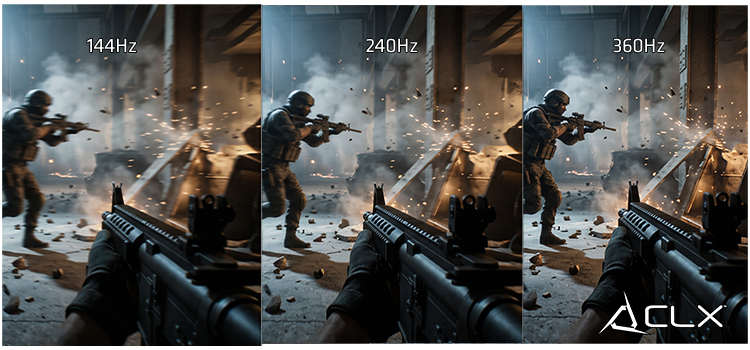
If you play competitive shooters at 1080p and want 360 FPS, you need a top-tier CPU. The graphics card renders 1080p frames easily. The processor has to work incredibly fast to generate 360 draw calls a second.
If you play single-player RPGs at 4K and target 60 FPS, you can buy a mid-range CPU. The processor easily calculates 60 frames of logic a second. You need to put all your money into a high-end graphics card to handle the massive 4K pixel count.
Fixing your system bottleneck
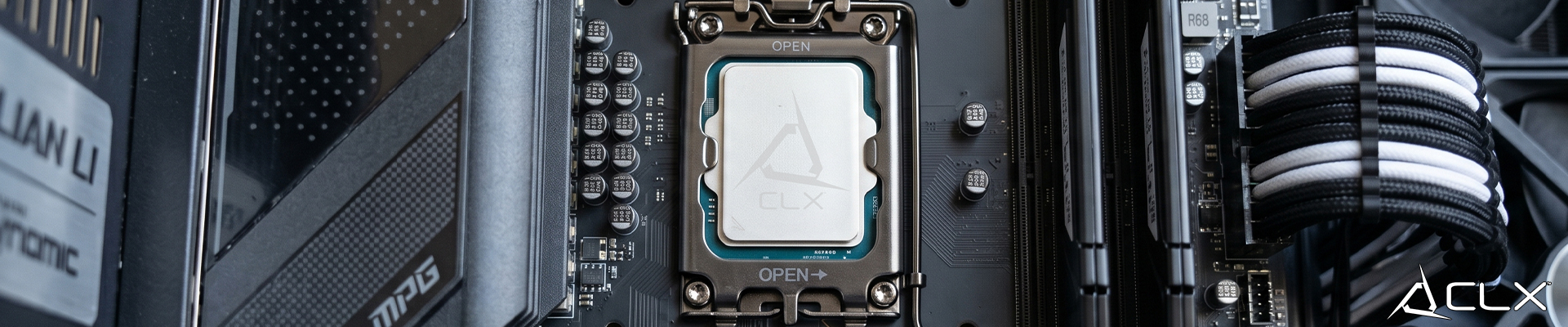
Your processor dictates the absolute limits of your gaming experience. A balanced system pairs a CPU and GPU that match each other's pace. If you suspect your current processor is holding your graphics card back, it is time to look at your options. Upgrading to a modern platform like AM5 or LGA1851 will give your graphics card the data it needs to run at full capacity.
Head over to the CLX gaming PC configurator. You can select your target games and resolution, and our builder will show you exactly how different CPU and GPU pairings impact your framerate in the real world.