A fast gaming PC only does half the job. The other half happens at the desk, in the chair, under the monitor, and in how everything around the computer is arranged. Gamers spend hours picking a GPU and barely a minute thinking about what they'll sit in for the next six hours of a raid.
That's a mistake. The setup around your PC affects how long you can play, how well you react, and how much you actually enjoy the session. Here's what belongs on (and around) a gaming desk, and why each piece earns its spot.
Why does an ergonomic chair matter for gaming?
An ergonomic chair keeps your spine supported during long sessions, which cuts fatigue and lets you stay focused longer. Gaming sessions run longer than most desk work. Without lumbar support and adjustable height, your back and shoulders tighten up well before the match does. A chair built for sustained sitting, not a dining chair repurposed for Discord calls, pays off in both comfort and in-game consistency.
What makes a monitor good for gaming?
A gaming monitor needs a fast refresh rate and quick response time to keep visuals smooth during fast motion. Refresh rate determines how often the image updates each second, and in competitive titles, a sluggish panel means you see the enemy a beat after your opponent does. Beyond speed, color accuracy and contrast matter too. Vibrant, accurate color makes slower, story-driven games feel immersive instead of flat.
Why do keyboard and mouse choice matter so much?
Input devices translate your reflexes into on-screen action, so lag or inconsistency here costs you directly. A keyboard with responsive switches and a mouse with a stable sensor keep your inputs accurate, not just fast. Many gaming keyboards and mice also allow remapped keys and saved profiles, so your setup travels with you across games. Build quality matters here too. A mouse that double-clicks on its own after a year isn't saving you money, it's costing you matches.
Does lighting actually affect gaming performance?
Lighting affects eye strain and screen visibility more than most gamers expect. A pitch-black room with only your monitor as a light source forces your eyes to constantly readjust between a bright screen and a dark room, which tires them out fast. Soft ambient lighting behind or beside the monitor reduces that contrast. It also sets a mood, which matters more than it sounds for sessions meant to be enjoyable, not just productive.
Why bother with cable management?
Cable management keeps your desk safer and your gear lasting longer. Tangled cables get stepped on, yanked, and worn down faster than ones that are routed and secured. Beyond durability, a clean desk is just easier to work at. Fewer stray cables mean fewer distractions and less clutter pulling your eyes away from the screen.
How much desk space do you actually need?
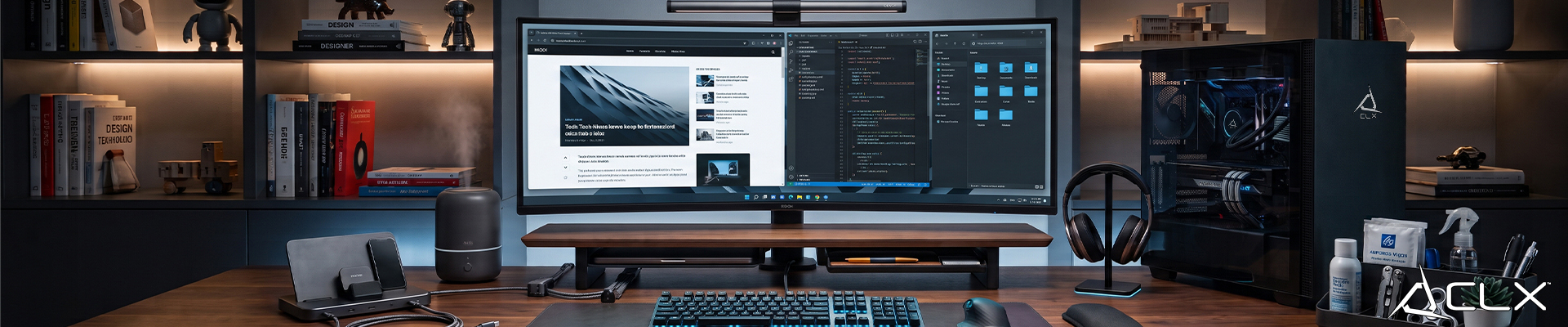
You need enough surface area for your monitor, input devices, and any accessories, with room left to move your mouse freely. Cramped desks force awkward arm angles and limit how far you can track a fast flick shot. Add some basic organization, a drawer, a stand, a tray, and the desk stops being a catch-all for cables, snacks, and old receipts. An organized space keeps your attention where it belongs: on the game.
Build the setup around a PC that's already dialed in
A great desk setup deserves a PC that matches it. CLX Gaming has built custom gaming PCs from our Wichita facility since 2016, with configs tested and verified before they ship. Browse current option on the CLX configurator and find one that fits the rig you need.